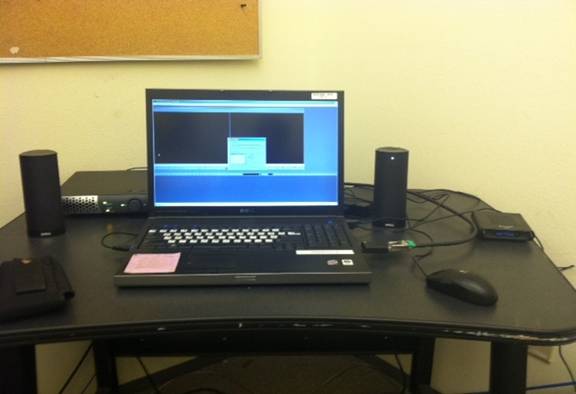
Santa Fe HD
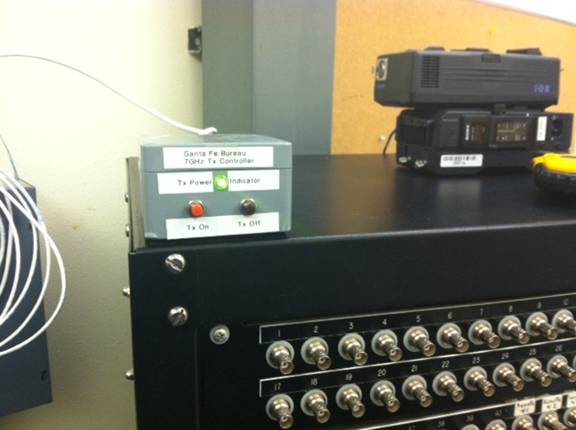
Santa Fe live shots: *Updated 8 November 2014* Santa Fe HD procedures Acquisition Booth- Please note that you no longer switch between Santa Fe and Unit 7 on the TSL1 controller. The source is now called TSL3 on the router, it has a direct link to the studio. It will show up on the far right of the router as Santa Fe. Live Shots: **8 November 2014** Note, this can ONLY be reached from within the SF Bureau, on the Avid Editor. If you can't connect this way, please call an Engineer immediately who can remotely access the TX. Be sure to turn off ALL power before leaving!
You will also need to turn on the 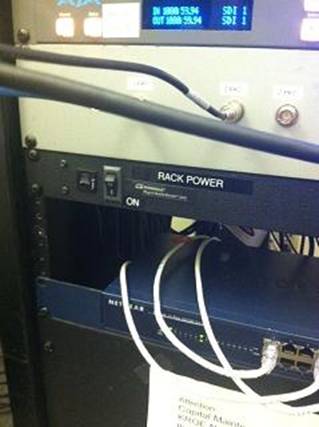
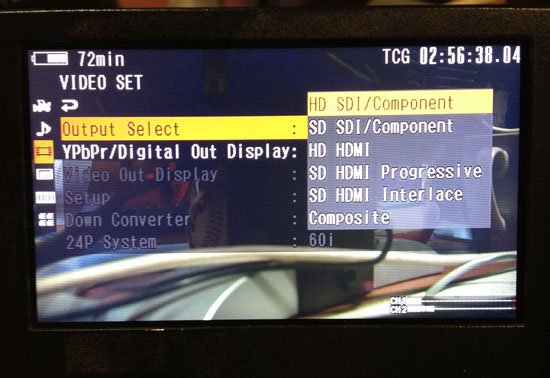
Your Sony camera should remain in HD output at all times.
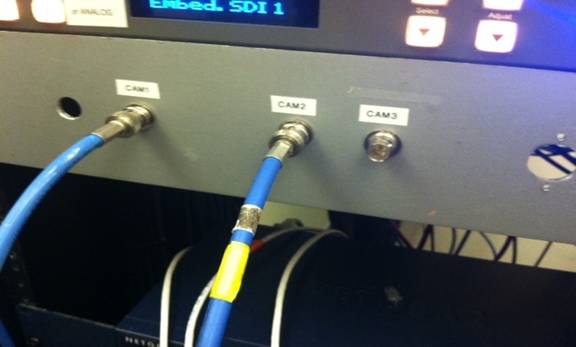
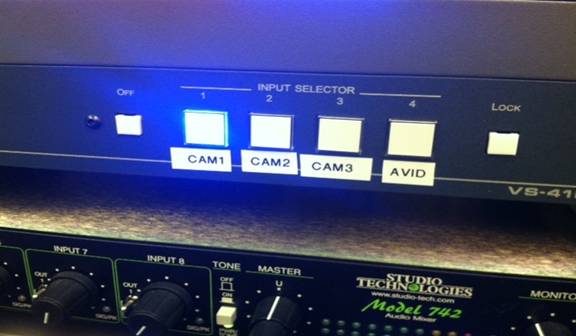
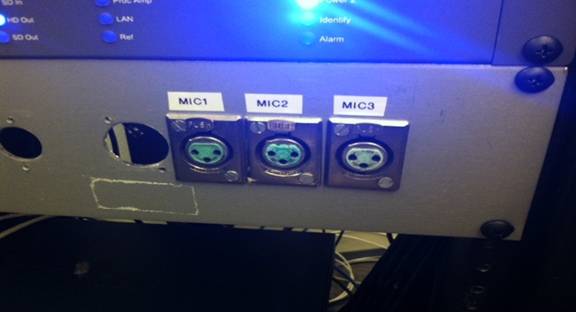
There are 3 inputs for live shots you can use anyone, all correspond to the 3 positions on the switcher.
The switcher also has a fourth position “Avid” is for feeding from the laptop
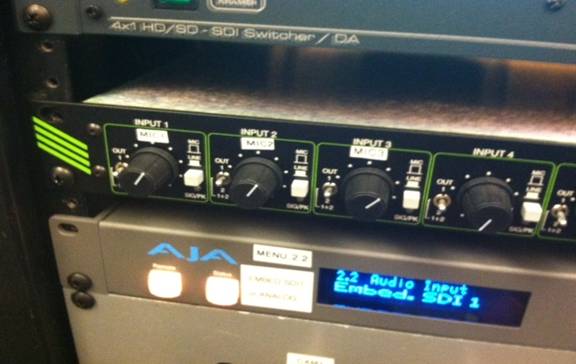
Mic Audio will normally be embedded so you will plug into your camera and adjust levels on the camera (turn off nat sound mic).
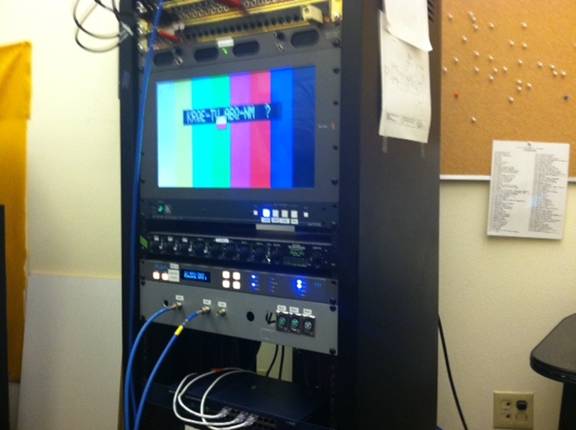
AJA shown set to receive embedded audio, not Analog (2.2).
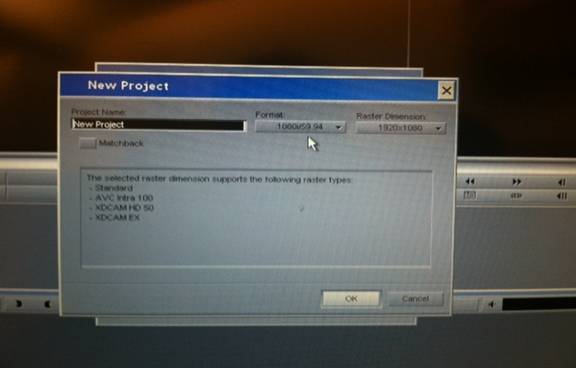
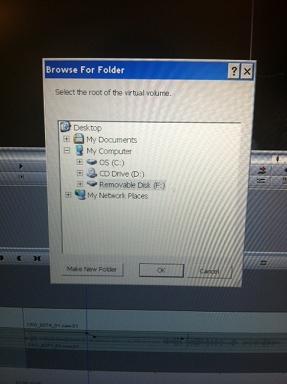
Editing and feeding: Place your SxS card in the reader before you open up the Avid program, this will allow the clips to populate into the AMA bin. If you forget or have to change cards you will have to link to the reader as follows. 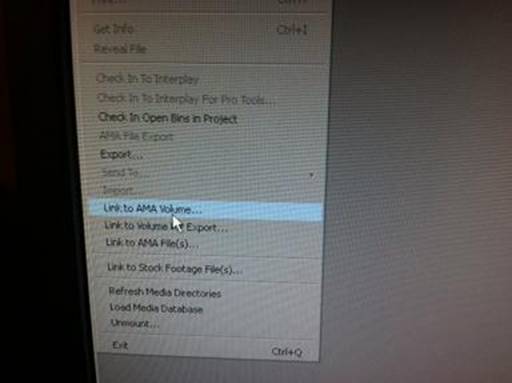
When using a SDHC card with adaptor, remove the card and place in the slot on the left side of the LT. The procedure is the same as above. 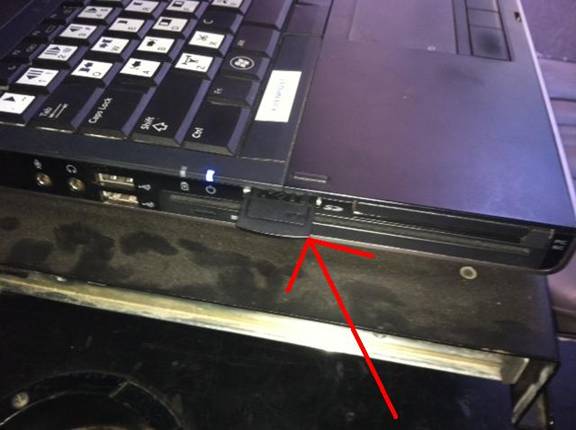
The speakers for monitoring audio are next to the laptop but you also have audio monitoring in the rack for testing live audio with out turning on the laptop.
This is the new rack setup After your live shot or feed make sure to turn off the transmitter and power down the power strip. Courtesy Carey Olsen |